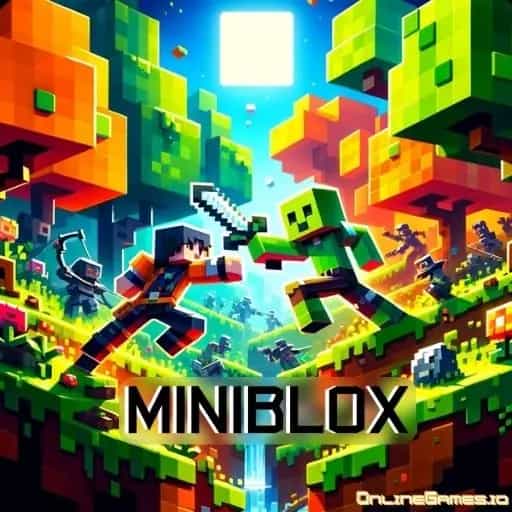
Play Miniblox io Online Free
Experience Miniblox io, a top-rated Impostor Games game available to play instantly in your browser. Enjoy high-quality gameplay with no downloads and no sign-ups required. Start your adventure on Among Us PC and join millions of players worldwide!










Most Popular This Month
View All results »


















- Home
- Impostor Games
- Miniblox io
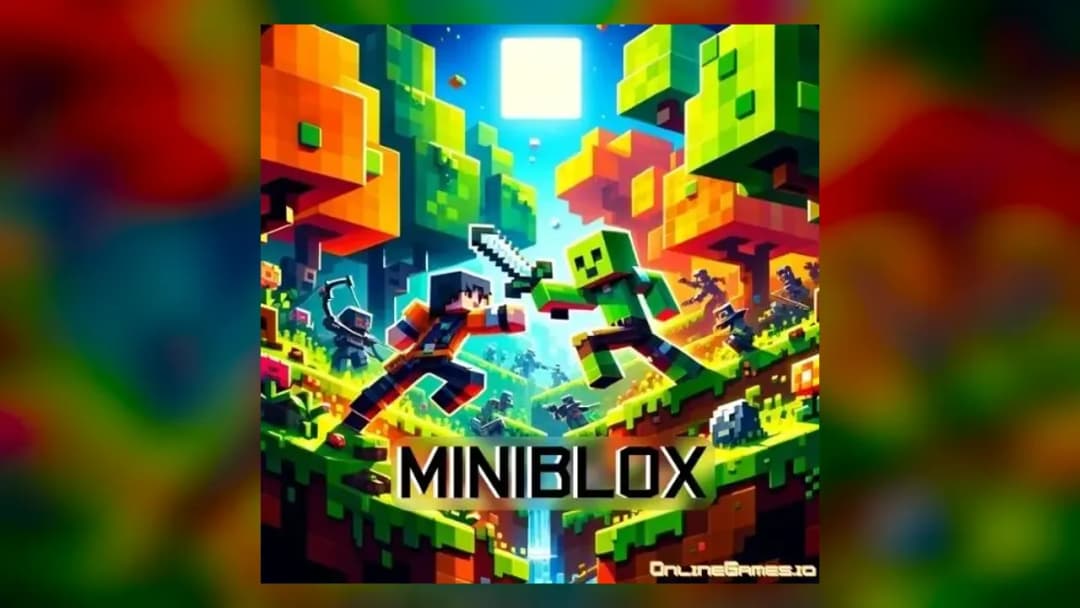
Miniblox io
TECHNICAL SPECIFICATIONS
OPERATIONAL GUIDE
- 1. Explore the world
Move with WASD or the arrows and look around the blocky map.
- 2. Gather resources
Click with the left mouse button to collect materials from the environment.
- 3. Craft items
Press C to open the crafting menu and turn resources into useful items.
- 4. Build structures
Place blocks with the mouse to create anything from a hut to a tower.
- 5. Team up or compete
Join other players on shared builds or race them for rare materials.
CORE FEATURES
About Miniblox io
Miniblox io: gather blocks, craft items and build with other players in an open multiplayer sandbox. Free to play in your browser, no download.
What's in this guide
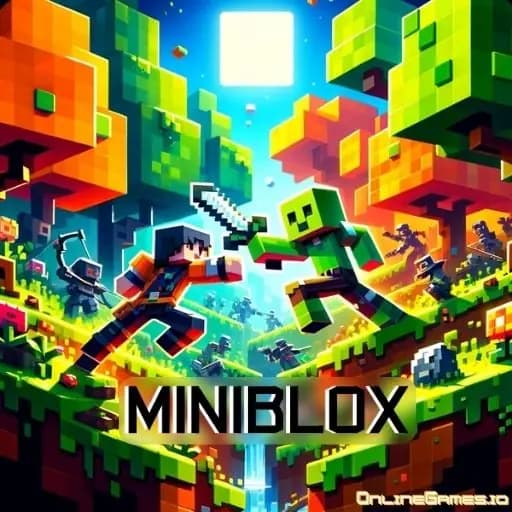
Miniblox io is a blocky multiplayer sandbox where you gather materials, craft tools and build whatever you have in mind, alongside other players who are doing the same. Some will help you, some will compete with you, and the world changes as everyone adds to it.
A Sandbox Made of Blocks
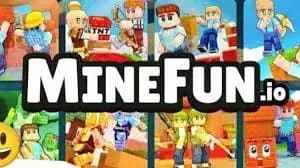
The world of Miniblox io is built from colorful, pixel-style blocks, and almost all of it can be shaped. You collect resources from the environment, turn them into items at the crafting menu, and place blocks to make structures. There is no single story to follow. You set your own goals, whether that is a tall tower, a hidden base or a shared village with other players.
The multiplayer side is what keeps it lively. Other people are building in the same world, so you will run into their creations, team up on bigger projects or compete for the same materials.
What You Actually Do in a Session
Most sessions follow a natural rhythm. You start by exploring and gathering, since everything else depends on having materials. Next comes crafting: opening the crafting menu to turn raw resources into useful items. Then you build, either on your own plot or as part of something larger with other players.
Competition comes into it when resources are scarce or when other builders want the same spot. Rare materials are worth keeping an eye out for, because they open up better items. Using high ground and shortcuts through the terrain helps you get around quickly and gives you an edge when things get competitive.
Getting Around and Building
Walk with WASD or the arrow keys. The left mouse button handles interaction and building, so it is how you mine resources and place blocks. Press C to open the crafting menu. That is the whole control scheme, which makes it easy to focus on what you want to make.
Characters and Community
You can customize your character, which is helpful in a busy world where you want friends to spot you. Since the environment keeps changing as players build, every visit can look a little different from the last. Working with others is one of the best parts: pooling resources lets a group put up structures much larger than any one person could manage alone.
Builder Tips
- Gather before you plan. A stockpile of materials makes building much smoother.
- Learn the crafting menu early. Knowing what C can make saves a lot of guesswork.
- Team up for big projects. Shared resources go further than solo ones.
- Watch for rare materials and collect them when you see them.
- Use high points to scout the area and plan routes.
- Manage your resources so you are never caught empty-handed in a competitive moment.
Who Miniblox io Is For
Miniblox io suits creative players who like freedom more than fixed objectives, and it is welcoming to all ages thanks to its simple controls and friendly look. After a few tense rounds of Among Us, it makes a relaxed change, though you still need to keep an eye on what other players are up to. You can launch it in the browser on Among Us PC on a Windows PC, a Mac or a Chromebook, and it is tuned to work in mobile browsers on Android and iPhone too. An internet connection is needed to share the world with others, and the game is free on Among Us PC.
More Games You'll Love
Controls
Frequently asked questions
How do I craft in Miniblox io?
Is Miniblox io multiplayer?
Can I play Miniblox io on my phone?
Can I play Miniblox io unblocked at school?
Does Miniblox io cost anything?
"Miniblox io" and related names may be trademarks of their respective owners. This page is an informational game directory only; Among Us PC is not sponsored by or affiliated with trademark holders unless a specific game page says otherwise.
Player Reviews
No Reviews Yet
Be the first to share your feedback and rate this game!
Submit Your Review
Keep exploring