Play Trains io Online Free
Experience Trains io, a top-rated Impostor Games game available to play instantly in your browser. Enjoy high-quality gameplay with no downloads and no sign-ups required. Start your adventure on Among Us PC and join millions of players worldwide!








Most Popular This Month
View All results »


















- Home
- Impostor Games
- Trains io
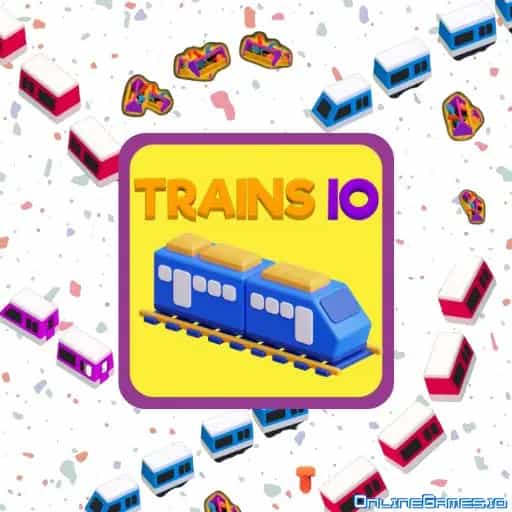
Trains io
TECHNICAL SPECIFICATIONS
OPERATIONAL GUIDE
- 1. Spawn on the map
Load the game and start with a single small train among other live players.
- 2. Collect resources
Steer toward pickups scattered across the map to add power, speed and length.
- 3. Grab power-ups
Click power-ups in your path and use them when a rival gets close.
- 4. Boost to escape
Press the space bar for a burst of speed when you need to get out of trouble or cut someone off.
- 5. Avoid collisions
Keep clear of larger trains and obstacles, because one crash sends you back to the start.
CORE FEATURES
About Trains io
Trains io: steer a growing train, collect resources and dodge bigger rivals on a live multiplayer map. Free to play in your browser, no download.
What's in this guide
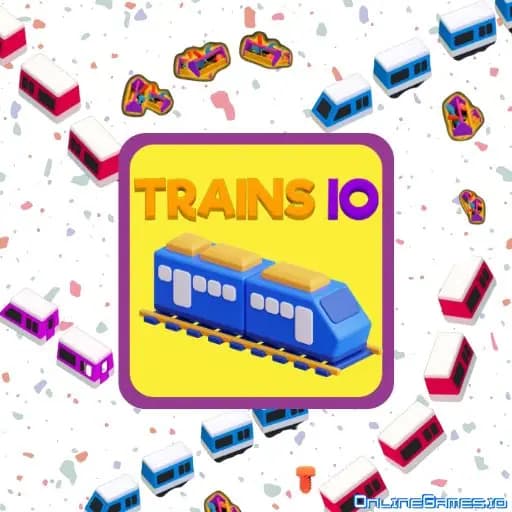
Trains io puts you at the controls of a small locomotive on a shared map full of other players, and asks one question: can you keep growing without crashing? You start tiny, pick up resources, and turn your train into something long and fast enough to squeeze rivals off the tracks.
What Trains io Is About
This is an io-style multiplayer game, which means everyone spawns into the same open map at the same time. There is no story and no level select. You drive, you collect, you get bigger. Every resource you grab adds power to your train, and that power shows up as extra speed and extra size. A bigger train takes up more of the map, which makes it harder for others to slip past you, but it also gives you more to steer.
The danger is other trains. Running into a larger opponent early on usually ends your run, and you go back to a single carriage. That simple risk is what keeps every minute tense.
How a Typical Run Goes
The first minute is about safety. You are small, so you hang around the edges and sweep up loose resources where nobody else is looking. Once your train has a few cars, you can start to drift toward busier zones, where pickups are denser but traffic is heavier.
Mid-game is where decisions matter. You will spot a rival train cutting across the map and need to decide whether to steer away or try to box it in. Power-ups appear on the map as well, and grabbing one at the right time can flip a close encounter in your favor. A run ends when you collide, and then you start again from scratch, usually with a better idea of where the good resources sit.
Controls on PC and Touch Screens
Steering is handled with the mouse: your train follows the pointer, so smooth, wide movements work better than sharp flicks. A click picks up power-ups and resources in your path. When you need to escape or close a gap, press the space bar for a short burst of speed. The game also accepts keyboard steering, so you can pick whichever feels more natural. On a phone or tablet, your finger takes the place of the pointer.
Growing Your Train and Customizing It
Progress inside a match is all about size and speed. The more you collect, the more your train can do. Between runs, you can tweak the look of your train with the customization options, which is a nice way to stand out on a crowded map. There are no fixed levels to clear, so each session lasts as long as you can stay on the rails.
Tips to Last Longer
- Stay out of the way of big trains while you are still small. Bravery early on usually means a restart.
- Learn where resources cluster. Rich areas attract players, so visit them when traffic is light.
- Save the speed boost for escapes or for cutting off a rival, rather than using it just to move around.
- Keep your turns wide. A long train swinging too tightly is an easy way to clip something.
- Watch the obstacles on the map as closely as the players. Hitting one costs you just as much.
Why Play Trains io in Your Browser
Trains io suits anyone who likes short, competitive sessions that you can drop in and out of. It loads directly in the browser, so it runs on a Windows PC, a Mac, a Chromebook, or a phone without installing anything. If you come to Among Us PC for the tension of reading other players in Among Us, the same instinct helps here: guessing where a rival train will turn next is half the game. It is free to play on Among Us PC, and a single run can take two minutes or twenty, depending on how carefully you drive.
More Games You'll Love
Controls
Frequently asked questions
How do you control the train in Trains io?
What makes you lose in Trains io?
Can I play Trains io on a phone or Chromebook?
Is Trains io free, and does it need a download?
Can I play Trains io unblocked at school?
"Trains io" and related names may be trademarks of their respective owners. This page is an informational game directory only; Among Us PC is not sponsored by or affiliated with trademark holders unless a specific game page says otherwise.
Player Reviews
No Reviews Yet
Be the first to share your feedback and rate this game!
Submit Your Review
Keep exploring